bg1111 – Bangladesh Online Casino, Slots and Sportsbook on the Mobile App
Slots, live casino tables, crash games and cricket sportsbook — all sitting inside one lobby you open straight from your phone browser, no download needed. Deposits go in via bKash, Nagad or Rocket and your account balance updates so you can get moving fast.
bg1111 · Bangladesh
Service availability depends on eligible regions and local law. Users should check local rules before opening an account.
Play on Any Screen, Any Time
Your account works on Android, iOS and desktop browsers — log in on your phone during the day and switch to desktop at night without losing your session or balance.


Getting Started on bg1111
Opening your account takes under two minutes on any Android or iOS browser. Enter your details, verify with the OTP sent to your mobile number, and you land straight on the lobby. Your account wallet shows your balance and transaction history in one view, and the help link sits in the bottom menu if anything needs sorting right away.
The Lobby Travels With Your Phone
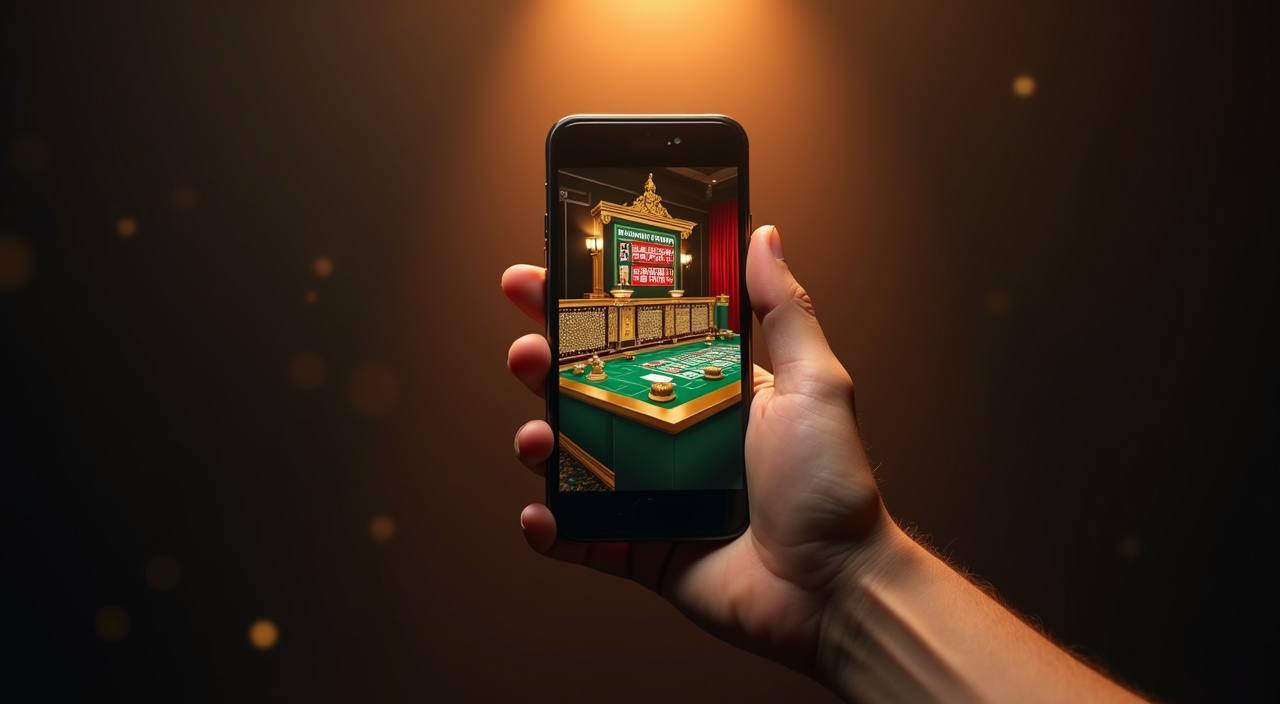
bg1111 is built around mobile-browser access, so there is no mandatory app download before you can start. Open the site in Chrome or your default Android or iOS browser, log in with your account credentials and OTP, and the lobby is fully functional — slots, live tables, sportsbook and your wallet all load cleanly on a smaller screen. If you switch from phone to desktop mid-session, your account state carries over because the session is tied to your login, not your device. Players in Chittagong or anywhere else in Bangladesh reach the same lobby the same way — a browser tap, a login, and you are in.

How Your Account and Data Stay Safe
Security on bg1111 works in layers so no single point covers everything. The connection between your phone and our servers runs over SSL encryption, meaning data in transit is not readable in plain text. Login uses OTP verification tied to your registered mobile number — each session requires a fresh code. Every deposit and withdrawal generates a transaction record with a reference number you can check inside your wallet history. Your personal details and payment data are stored in a restricted environment, separate from general site traffic, and are not shared with third parties outside what our Privacy Policy describes.
SSL Connection Encryption
Every page on bg1111 loads over HTTPS with SSL encryption active. Data exchanged between your device and our servers — including login credentials and wallet entries — is protected in transit at all times.
OTP Login Verification
Signing in requires a one-time password sent to your registered mobile number. Even if someone else has your password, they cannot complete login without the OTP that arrives only on your phone.
Transaction Records and Receipts
Each bKash, Nagad or Rocket transaction generates a reference entry in your wallet history. You can cross-check the reference against your mobile wallet receipt if there is ever a discrepancy to raise with support.
Data Storage and Handling
Personal details and payment information are held in a restricted-access environment. Our Privacy Policy explains exactly what is collected, how long it is kept, and the limited circumstances under which it may be shared.
Offers for New Accounts

New accounts can check the promotions board after first login to see what casino offer is currently available for their region. Terms apply.
Open Your Account
New members who open the sportsbook section will find any active cricket or sports offer listed on the promo board inside their account. Terms apply.
Open Your AccountDeposit and Withdraw Your Way
bg1111 accepts deposits through bKash, Nagad, Rocket and Bank Transfer — the payment rails Bangladesh accounts already use every day. To deposit, open your bKash or Nagad app, send to the account number shown on the deposit screen, enter your transaction ID, and the amount appears in your wallet. Withdrawals follow a verification step where the system matches your account details to the wallet you deposited from, keeping everything consistent. Availability of each method depends on your region.
bKash
Nagad
Rocket
Bank Transfer

Everything bg1111 Has in One Place
From Pragmatic Play slots and Evolution live tables to crash games and a cricket sportsbook, the lobby puts every category a click away from your account home.
Five Steps to Get Going
Register
Open bg1111 in your phone browser, enter your mobile number and a password, then confirm the OTP to create your account.
Deposit
Go to your wallet, choose bKash, Nagad or Rocket, send to the number shown, enter the transaction ID and your balance appears.
Choose a Game
Browse by category tab or search for a title like Slot Mania, Aviator or Dragon Tiger and tap to open it.
Play
Your wallet balance is live in the game screen — every round, spin or bet draws from the same account you deposited into.
Withdraw
Head to the account area, tap withdraw, enter the amount and confirm to your registered bKash, Nagad or Rocket wallet.
What Is Running This Week


Reach Support From Any Page
Support is accessible directly from the lobby — you do not need to leave a game or navigate away to find help. Live chat, email and mobile wallet help are all available, covering account issues, deposit queries and general questions about what is in the lobby.
Platform at a glance
| Game providers | Pragmatic Play, Evolution, PG Soft, Booming Games |
|---|---|
| Game categories | Live Casino, Slots, Sportsbook |
| Sports betting | Included |
| Accepted currency | BDT |
| Payment methods | bKash, Nagad, Rocket, Upay, Bank Transfer |
| Customer support | Live chat and email |
Slots, Live Tables and More Inside
Baccarat RoyalFlush
Cricket PowerPlay
Holdem SmashBet

Roulette Velocity
Frequently Asked Questions About bg1111
Quick answers to what people ask most before opening an account or making their first deposit.
Finding Your Way Inside bg1111
The lobby navigation bar at the top of every page carries the main category tabs — Slots, Live Casino, Sportsbook, Table Games and Crash Games. Tap any tab and the page filters to that category immediately without a full reload. To find a specific game like Slot Mania or Roulette Velocity, use the search icon in the top right; type the title and results appear as you type. Your account area — wallet balance, transaction history, personal details and withdrawal requests — lives behind the account icon, also in the top bar.
Navigate by Category Tab
Slots, Live Casino and Sportsbook each have a dedicated tab. Tapping one filters the lobby instantly — useful when you want to go from a slot session to a live baccarat table without scrolling through the full catalogue.
Search for a Specific Title
The search icon in the top bar works across all categories. Type part of a game name — try 'Aviator', 'Dragon Tiger' or 'Gates of Olympus' — and matching results appear before you finish typing.
Access Your Account Area
The account icon opens your wallet, shows your current balance and lists recent transactions with reference numbers. Withdrawal requests are initiated from this same screen — no separate page to navigate to.
Switch Devices Without Losing Progress
Your session is tied to your account login, not your device. Log out on mobile, open a desktop browser, sign back in with your credentials and OTP — the lobby, your balance and any active rounds are exactly where you…